How to Activate Effective Security Alerts in Your Mobile Banking
💡 Quick Tip
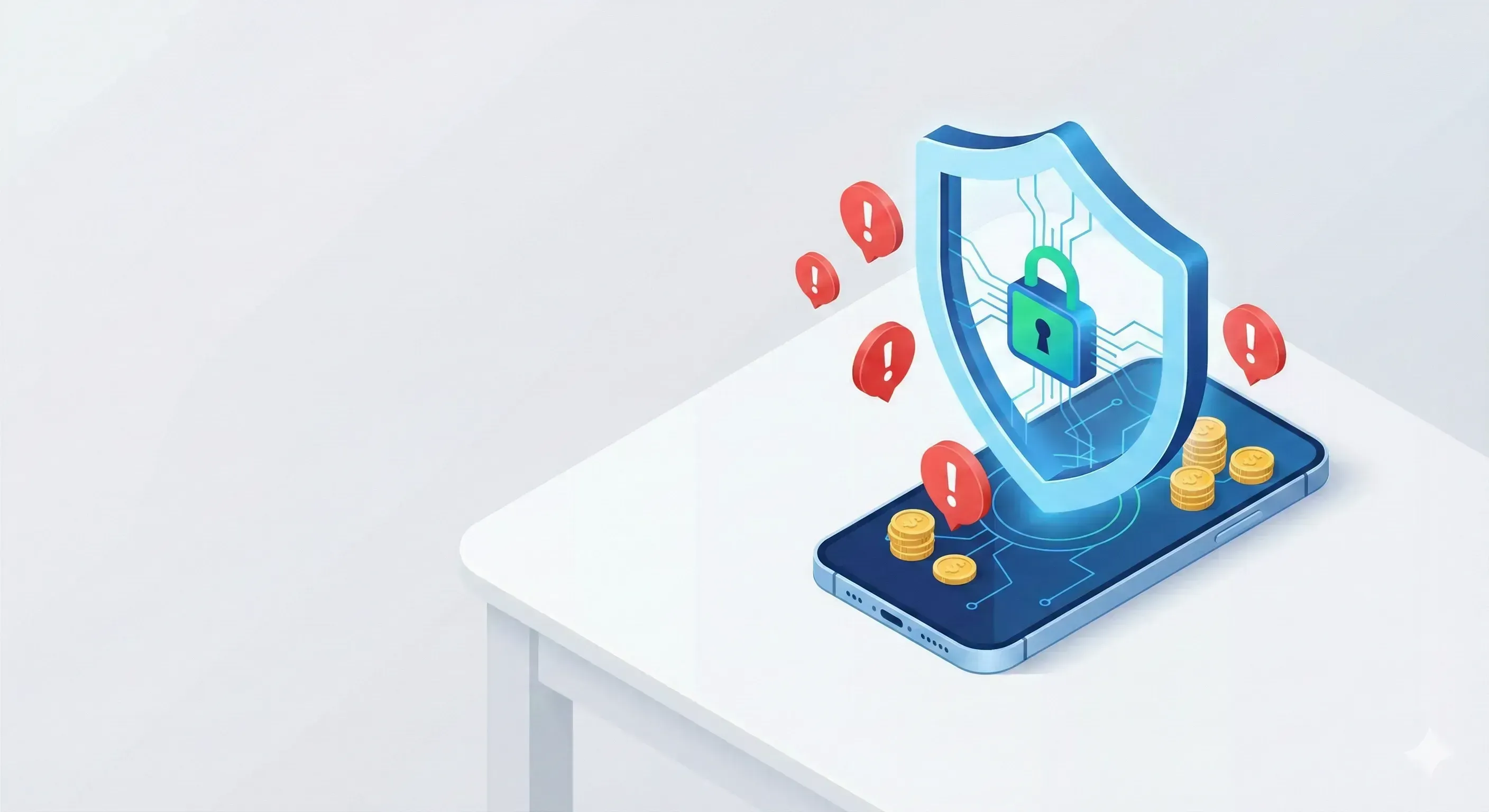
Your smartphone is the key to your safe. Learn to set up notifications and alerts from your bank to detect any suspicious movement in real time. Protect your accounts from phishing and fraud with this practical security setup guide.
Your Mobile as a Financial Shield
In 2026, most bank thefts happen online. The good news is that modern banking apps offer powerful tools to stop fraud before the money leaves your account. The secret is moving from a passive to an active attitude.
Essential Alerts You Should Activate
- Push Notifications for Every Purchase: Instant warning every time your card is used.
- Account Access Alerts: Notifies you if someone logs in from a new device.
- Daily Spending Limits: Adjust the maximum that can be spent or withdrawn daily.
- Card Freeze: Learn to "freeze" your card from the app if you lose it.
📊 Practical Example
Imagine receiving a notification: "Purchase of $850 at online store authorized." You haven't bought anything. Because you had the alert activated, you enter the app in a second, block the card, and call the bank. By acting in less than 2 minutes, the bank can hold the operation and you don't lose a cent of your $3,000 savings. Without that alert, you might have noticed days later.